
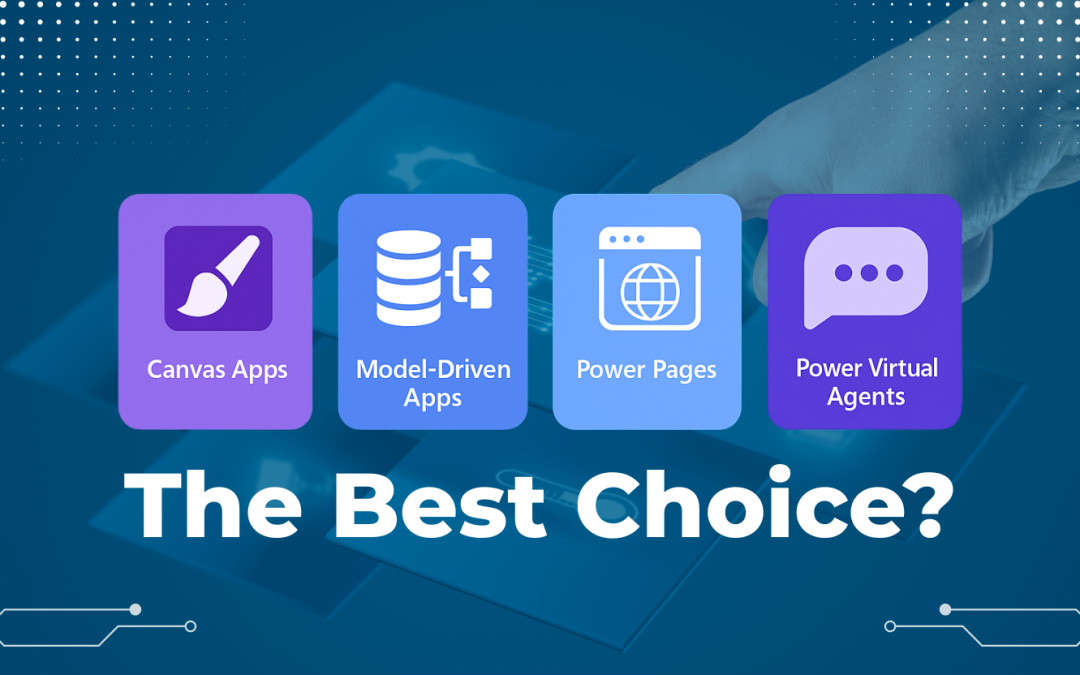
When someone says, “We need an app,” the next question should be: What kind of app? Because there are multiple ways to build business applications, depending on:
- How much control you want over the design.
- What kind of data you are working with.
- And who the users are.
Firms oftentimes stop at the idea of “building an application” without realizing that Microsoft Power Platform gives them several choices, each built for a specific kind of workflow and user experience. Some are designed for structured, data-driven processes, while others are better suited for task-based, visual, or even conversational needs.
Hence, this blog breaks down the main types of Power Apps (Canvas, Model-Driven, Pages, and Virtual Agents) to help you pick the right one.
The 4 Types of Power Platform Apps Your Business Needs
1. Canvas Apps – Full Control Over the Look and Feel:
Best for: Custom UI, task-focused experiences, pixel-level design.
Canvas Apps are the go-to choice when you care deeply about how your app looks and feels. As the name says, you start with a blank canvas and drag and drop components (buttons, forms, media, and controls) to design exactly how you want the app to appear visually. They are ideal for frontline workers or mobile users who need fast, simple apps focused on a single job, like updating inventory, capturing field data, or tracking approvals.
To make it easier, you can think of it as PowerPoint meeting Excel – you visually design screens while connecting to your data from Microsoft Dataverse, SharePoint, or SQL.
2. Model-Driven Apps – Structure and Data Come First:
Best for: Data-rich applications with complex relationships.
Unlike Canvas Apps, Model-Driven Apps start with data and logic. The design comes automatically based on your Dataverse schema. Basically, Forms, Views, and Dashboards are created for you as per the underlying base data. This is perfect when your business process revolves around records, tables, and workflows rather than a visual layout.
You do not control every pixel, but you get built-in navigation, role-based security, and easy integration with Power Automate and Power BI. And so, these apps are often used in CRM systems, project tracking, and service management, where structure matters more than visuals.
3. Power Pages (formerly Portals) – For External Users or Partners
Best for: Providing app access to users outside your company.
Power Pages lets you build secure, fast-loading websites for users outside your organization. You can set up a secure partner portal with Power Pages, so vendors can log in, upload documents, check order status, or update data directly from a web app or browser (without giving them access to your internal systems). What makes it even better is that it uses Low-Code tools for quick setup, but also offers pro-developer extensions through Visual Studio Code, Liquid Templates, and JavaScript.
So, if your IT team wants to add advanced business logic or custom design, they can easily do it without breaking the Low-Code structure. And, if you want your partners or clients to self-serve instead of waiting for emails or manual updates, Power Pages is the right fit.
Note: “Power Pages” was earlier known as “Power Apps Portals”, widely used to create secure partner and customer platforms. Microsoft has now expanded it into a full-fledged website builder with a modern design studio and tighter Dataverse integration.
4. Power Virtual Agents
Best for: Chat-based apps to answer questions or guide users.
Power Virtual Agents (PVAs) help you build chatbots that respond, guide, or take actions through natural, human conversation. You do not have to code anything here. Just use a drag-and-drop designer for the topics and responses to shape how the bot talks. Earlier, most teams used PVAs for HR or IT helpdesks. Now, they go much further. For instance, a maintenance chatbot can log equipment issues, pull details from Dataverse, and notify the right technician in real time.
And the best part is that PVAs are now part of Copilot. This means, you can combine conversational AI with your own data sources and workflows through Copilot Studio Integration. You can publish these bots to Microsoft Teams, websites, or even embed them into Power Apps to give users a live, guided support experience. It is a simple way to reduce manual Q&A and make processes interactive and even memorable.
| S.no. | Type of Power App | How it Works | Real-world Use Cases |
| 1 | Canvas App | You design the UI freely using drag-and-drop. Connects to data sources like SharePoint, Dataverse, or SQL. |
|
| 2 | Model-Driven App | Built on Dataverse. UI auto-generates from your data model. |
|
| 3 | Power Pages | A web-based platform that connects directly with Dataverse and permissions. |
|
| 4 | Power Virtual Agents with Copilot Studio | Low-Code/No-Code chatbot builder with Copilot Studio for guided responses and workflow triggers. |
|
You do not have to pick the flashiest option, but you still need the best Power App type for business workflows that actually fit how your people work.
- Need pixel-perfect control? Go with a Canvas App.
- Managing data-heavy workflows? Choose a Model-Driven App.
- Want to enable partners or customers externally? Build a secure portal with Power Pages.
- Need conversational assistance? Deploy a PVA with Copilot Studio Integration.
In fact, the best solution blends more than one. But if you are not sure which Power App type fits your workflow, talk to our specialists. We will tell you exactly which style (s) works best for your existing setup and why.